
Himbit ID: sign in and sync
Signing in is optional. Without it, Market Open works fully in one browser. Sign in with your Himbit ID, the same account as himbit.com, when you want your setup on every device.
How to sign in
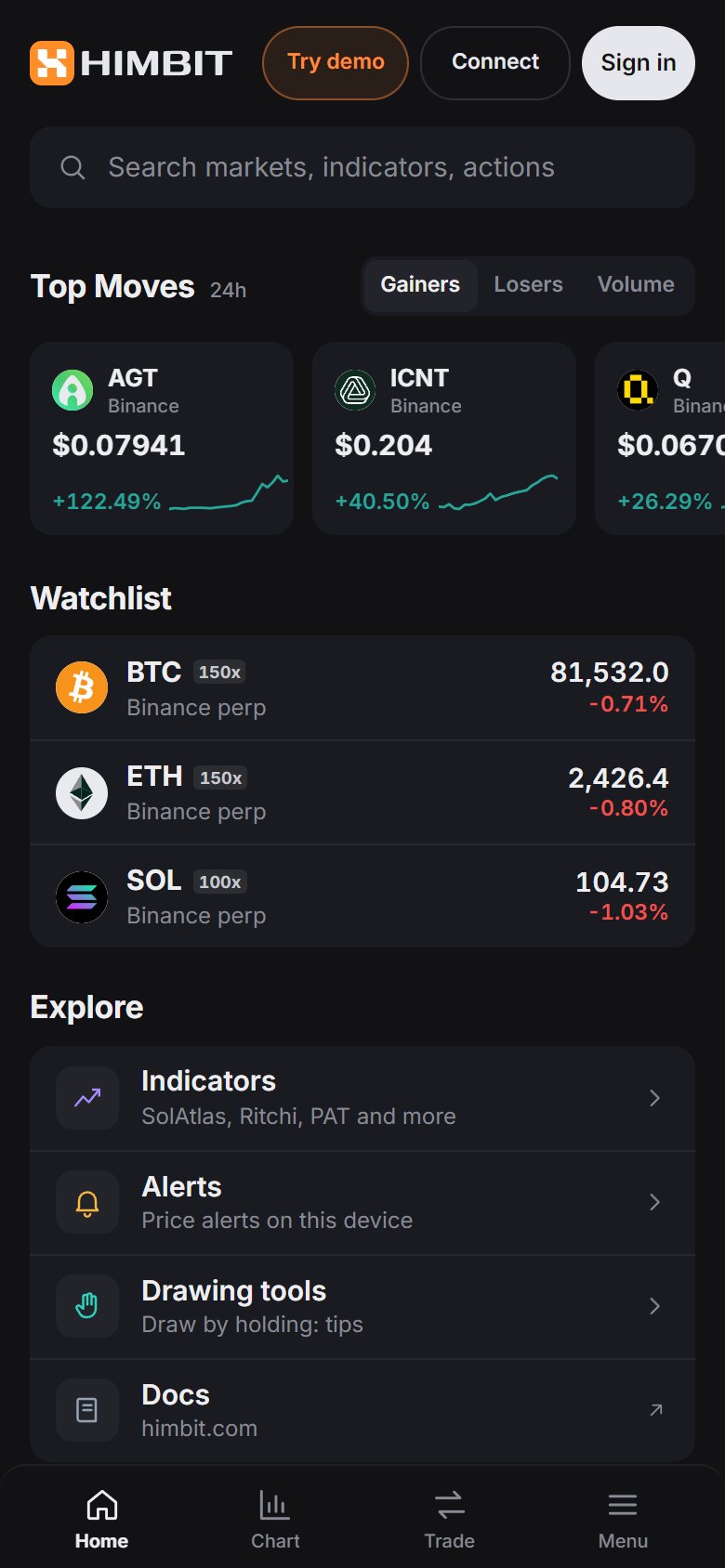
Tap Sign in in the top bar (on phones it sits in the Home header next to Try demo and Connect). You can use:
- Email code: we email you a 6-digit code.
- Password: if you set one.
- Google: Google's own sign-in window, showing Himbit.
- Passkey: Face ID, fingerprint or your device PIN, once you have added a passkey from the account menu.
No account yet? The same window creates one.

What follows you across devices
Once you are signed in, these sync to your account:
- layouts, drawings and indicators with their settings;
- watchlists and price / indicator alerts;
- theme, language, panel views, your trading journal and per-coin leverage;
- the list of venues you connected (which wallet address or Binance account, not the keys).
Exchange keys stay in your browser. They only reach your account if you turn on encrypted key backup, and even then they are encrypted on your device first.
The account menu
Tap your avatar to open the menu. Profile has your account, connections, passkeys, language, theme, shortcuts and the update log. Notifications lists the alerts that fired. On phones the menu opens as a bottom sheet.
Signing in on a new device shows the Hyperliquid account from your other device straight away. To trade there, connect your wallet once, or approve the device from your other one (Trade on a second device).
