Sign in from the iPhone app
If you added Market Open to your iPhone home screen, Google sign-in finishes in Safari and the app picks up the session by itself.
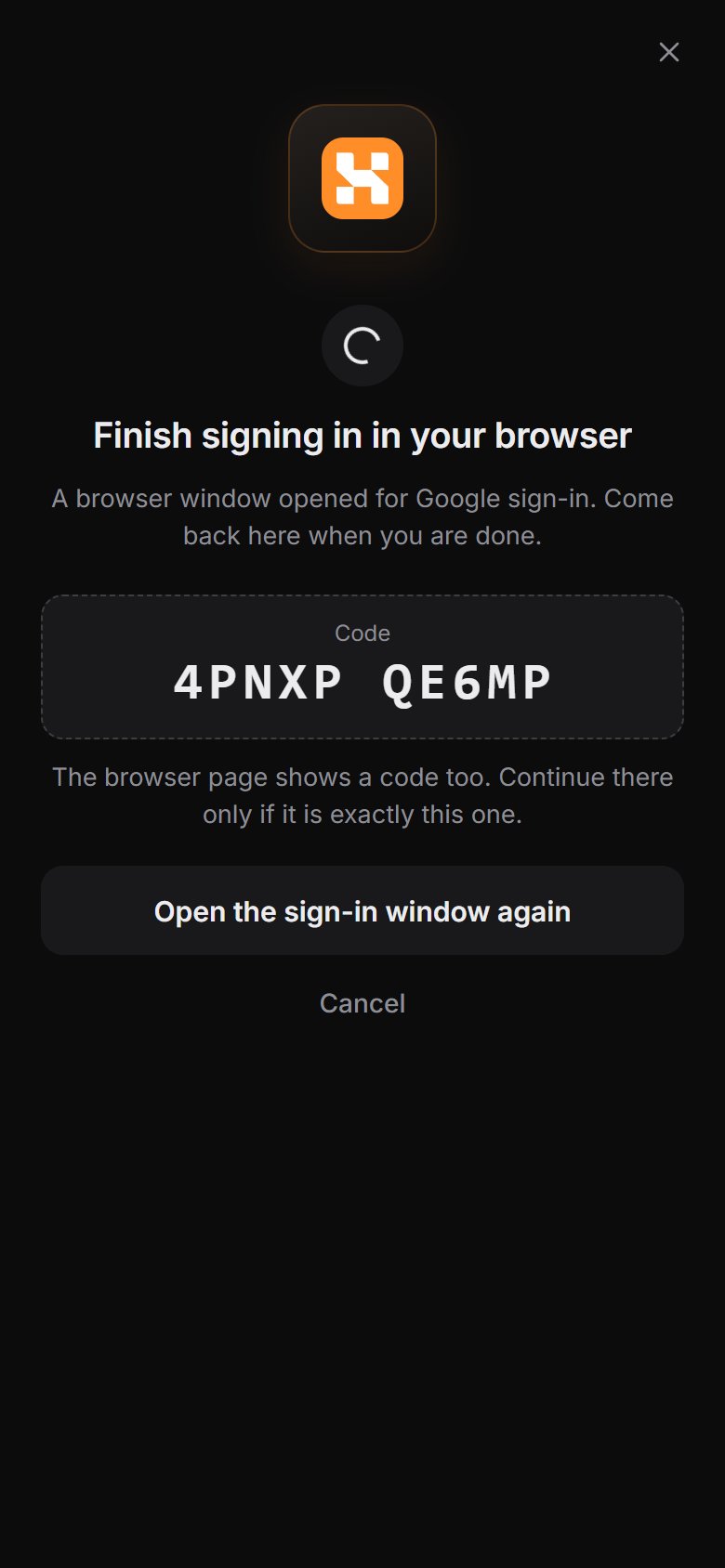
- In the app, tap Sign in → Google.
- Safari opens Google's sign-in. Finish it there.
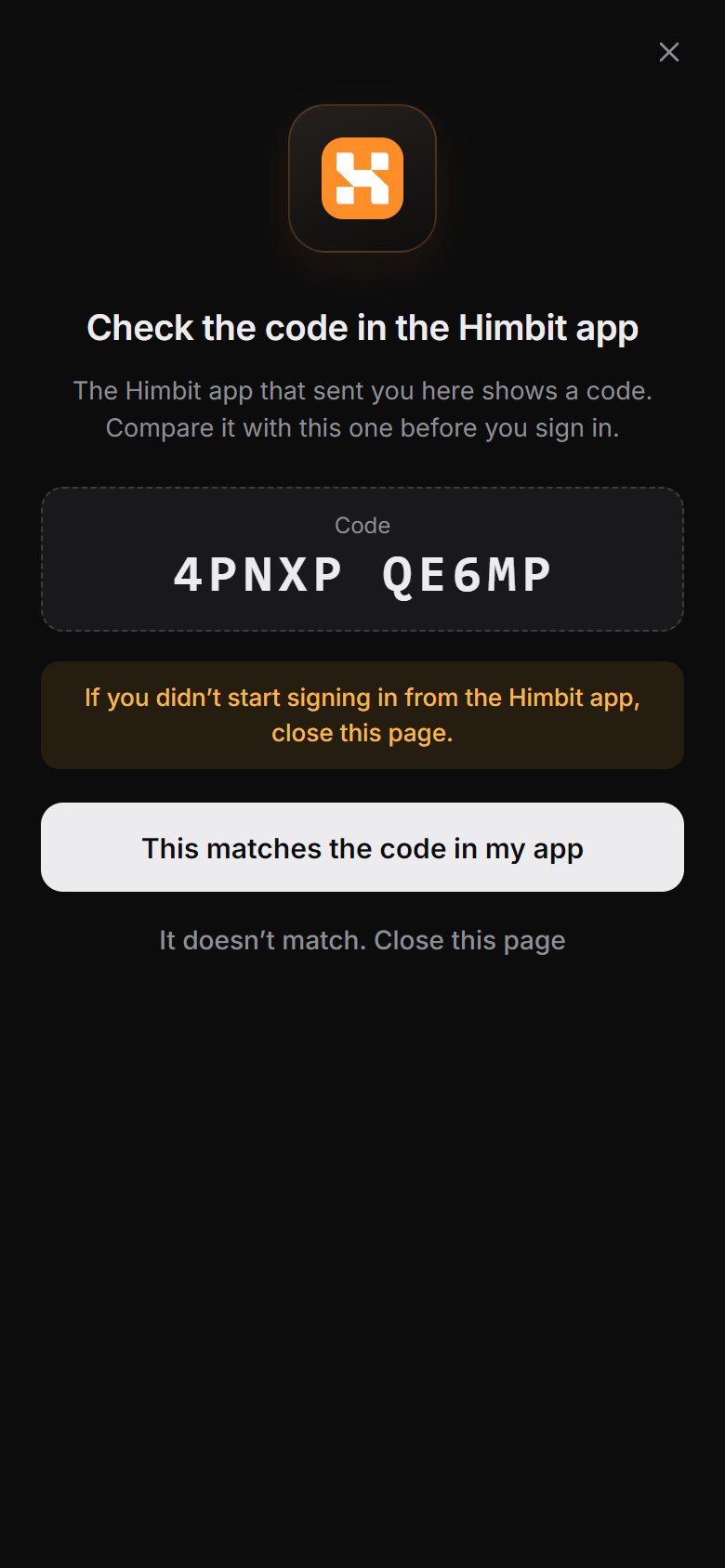
- Safari and the app now show the same 10-character code, written like
ABCDE FGHJK. - Check that the two codes match, then confirm in Safari. Nothing happens until you do.
- Go back to the app. You are signed in.
The code is there so that only your own app can pick up the session. If the codes don't match, don't confirm: close the window and start again.
Sign-in emails (code, password reset) arrive in the language you use Market Open in.