
Chart tools
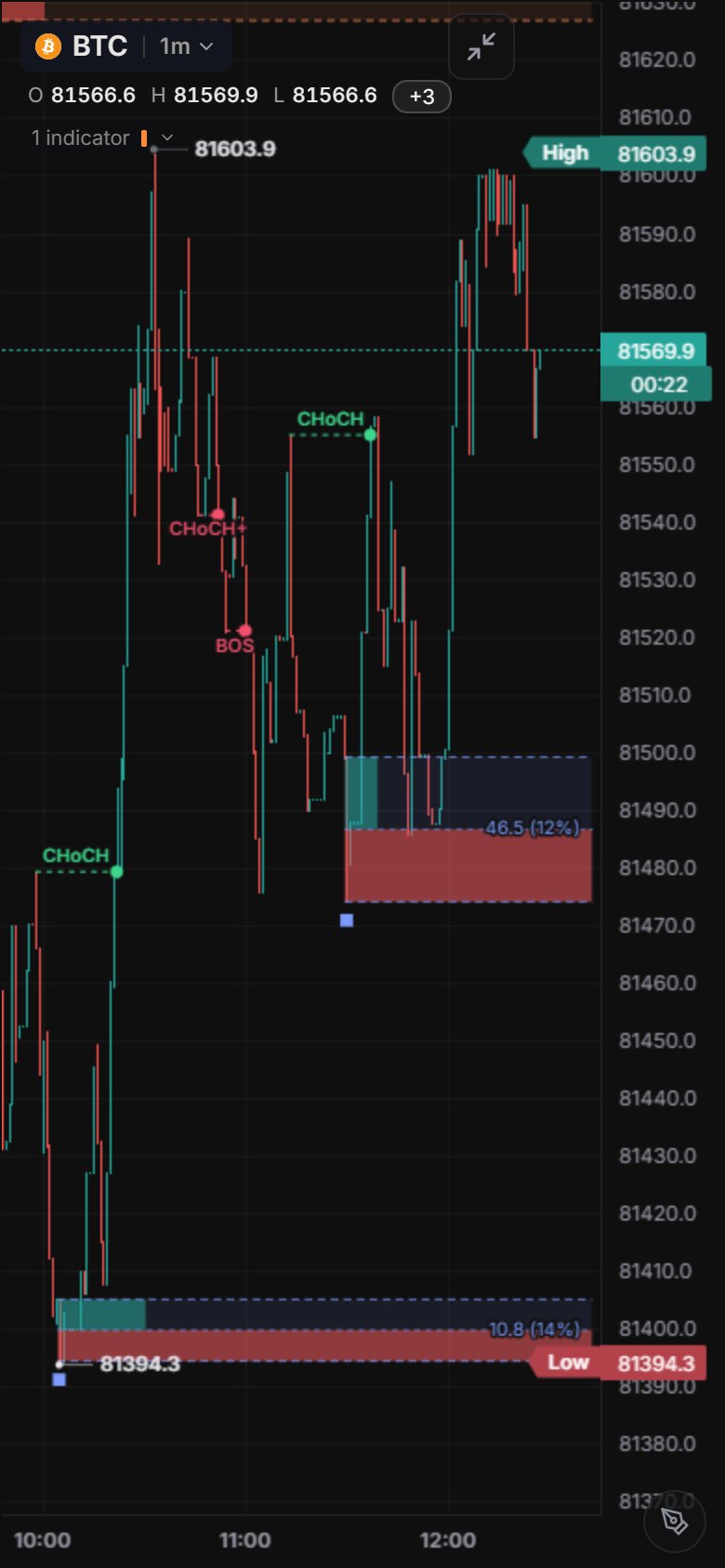
Price Action summary card
In Price Action Toolkit, turn on Style › Table. A small card shows:
- the structure bias;
- the last BOS or CHoCH and how many bars ago it happened;
- the nearest open zone or swing above and below;
- whether price sits in the premium or the discount half of the current leg.

Ichimoku marks
Ichimoku Cloud marks Tenkan / Kijun crosses and closes that break out of the cloud with small up / down triangles. Turn them off under Signals in its settings.

Full-screen chart
- Phone: tap the expand button.
- Desktop: press Alt+E or `.
Back or Esc returns.
Volume in its own pane
Volume › Style › Placement moves volume out from under the candles into its own pane. In split layouts each chart keeps its own drawings.

Bar replay
- REPLAY watermark: a large faint watermark marks the chart that is replaying.
- Follow button: keeps the view on the playhead. It turns off when you pan.
- Data-resolution menu: shows which bars the replay plays.

Order book heatmap
Add the Order Book Heatmap layer to see resting limit orders behind the candles. Brighter bands mean more size waiting at that price. History is recorded for BTC, ETH and SOL since 14 October 2026. On every other market the heatmap builds live from the moment you open the chart, so it starts empty. Bar replay does not play the heatmap.

TPO Profile
Open Indicators, category Order flow, and add TPO Profile (searching TPO or Market Profile finds it too). It builds one profile per session and marks the POC, the value area (VAH / VAL) and any Poor high or Poor low.
- Period: 5m, 15m, 30m or 1h per letter.
- Session: Daily (UTC), New York, London, Tokyo, Weekly, or Custom with your own start and end hour in UTC.
- Levels: value area %, initial balance and its extensions, single prints, poor highs and lows.
- Display: letters or blocks. On 15m with automatic rows you see blocks; set Row size to Ticks to get letters. On 5m letters show by default.

Volume Profile
Volume Profile sits in the same Order flow category. It shows how much traded at each price, split into buy and sell volume, with the POC and the value area.
- Mode: per session, the visible range, or a fixed number of bars.
- Naked POCs: POCs that price has not come back to yet, labelled nPOC. You choose how many to keep.
- Style: width, left or right placement, and the buy and sell colours.
Both profiles use recorded footprint data where it exists (since about 14 October 2026). Otherwise they are estimated from candles, and the legend tooltip tells you which one you are looking at. You can set alerts on POC, VAH and VAL, and on the TPO initial balance high and low.

Your language
Market Open speaks the same 19 languages as himbit.com. It opens in the language you picked on himbit.com or in the Himbit app. Change it from the globe menu in the top bar, or the Menu tab on phones. Indicator abbreviations, venue names and Binance's own menu names stay in English.
